

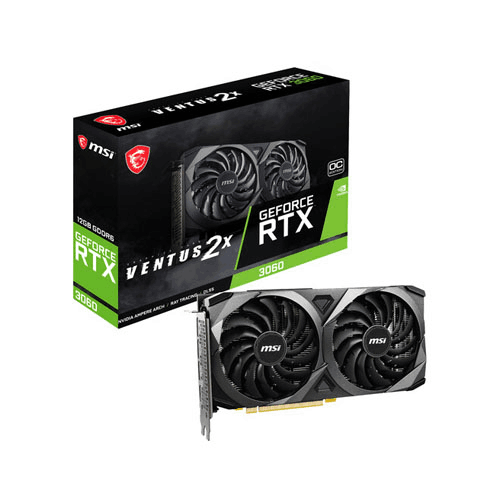
MSI GeForce RTX 3060 VENTUS 2X OC 12GB Graphics Card
-
NVIDIA Ampere
-
3584
-
12GB GDDR6 VRAM
-
Up to 1807 MHz (OC)
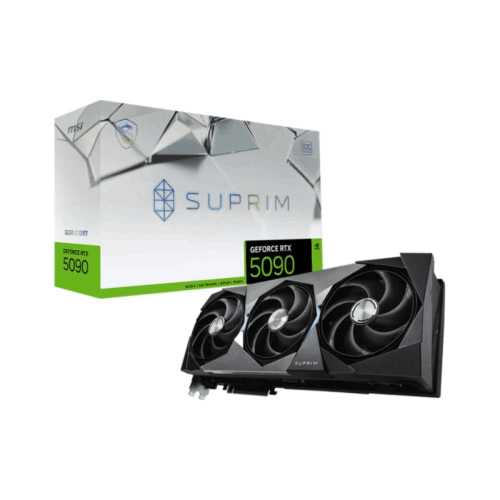
MSI GeForce RTX 5090 32G SUPRIM SOC 32GB GDDR7 Graphics Card
-
32GB GDDR7
-
28 Gbps
-
21,760 units
-
Gaming Mode 2580 MHz, Silent Mode 2527 MHz
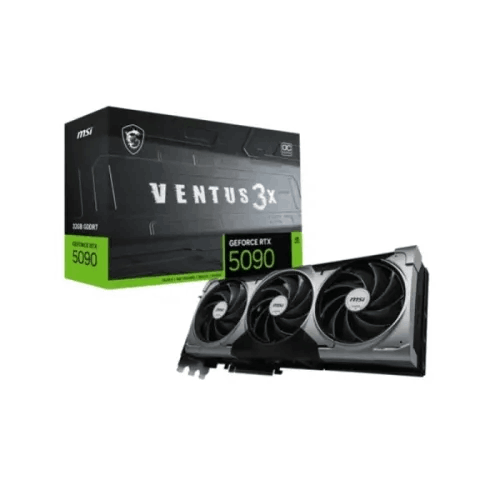
MSI GeForce RTX 5090 32G VENTUS 3X OC 32GB GDDR7 Graphics Card
-
32GB GDDR7
-
NVIDIA GeForce RTX 5090 (next‑generation RTX)
-
VENTUS 3X triple‑fan design
-
PCI Express x16 (PCIe 5.0‑ready platform)

Logitech PRO X SUPERLIGHT 2 DEX LIGHTSPEED Wireless Gaming Mouse
-
LIGHTSPEED 2.4 GHz wireless via USB receiver
-
Advanced Logitech gaming sensor
-
Superlight construction
-
Low-friction PTFE skates for smooth glide
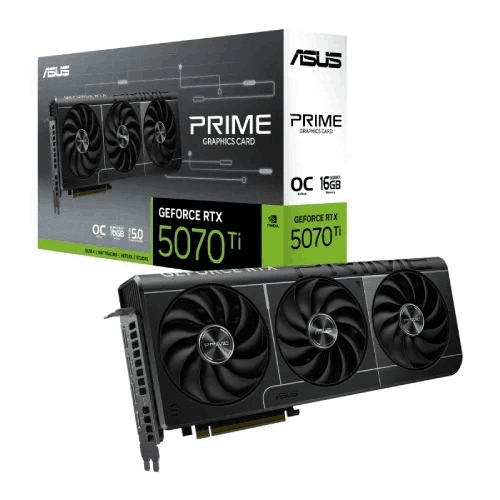
ASUS PRIME GeForce RTX 5070 Ti 16GB GDDR7 OC Edition Graphics Card
-
2527 MHz (OC) ;
-
2497 MHz
-
16GB GDDR7 ;
-
28 Gbps
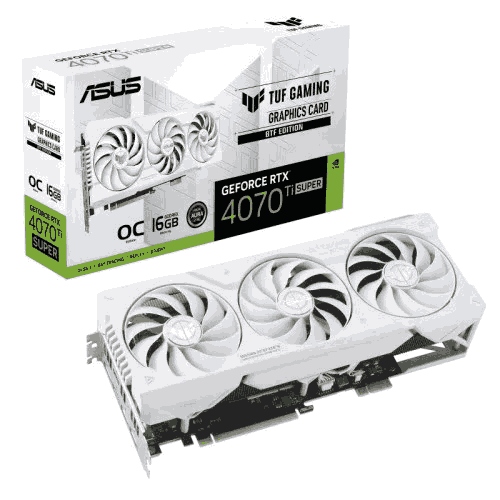
ASUS TUF Gaming GeForce RTX 4070 Ti SUPER BTF White OC Edition 16GB GDDR6X Graphics Card
-
2670 MHz
-
2640 MHz (boost)
-
16GB GDDR6X
-
2x HDMI 2.1, 3x DisplayPort 1.4a
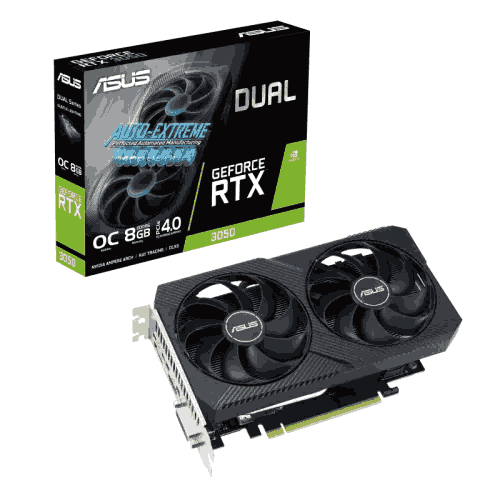
ASUS Dual GeForce RTX 3050 V2 OC Edition 8GB GDDR6 Graphics Card
-
8GB GDDR6, Memory Speed: 14 Gbps
-
Boost clock 1807 MHz (OC mode)/ 1777 MHz (Gaming mode)
-
1x DVI-D, 1x HDMI 2.1, 1x DisplayPort 1.4a
-
Axial-tech fan design, 2-slot Design, 0dB Technology
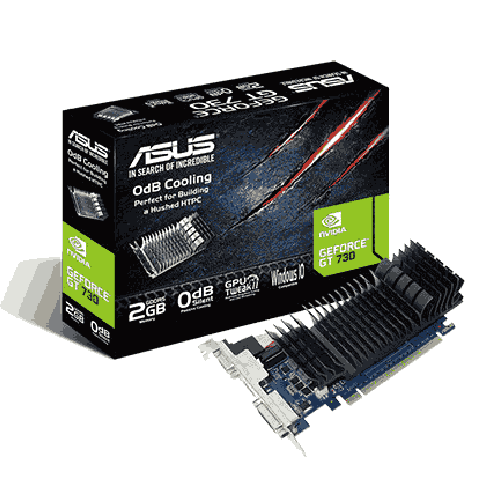
Asus GeForce GT 730 2GB GDDR5 Graphics Card
-
2GB GDDR5
-
Up to 927 MHz (OC Mode)
-
5010 MHz
-
PCI Express 2.0
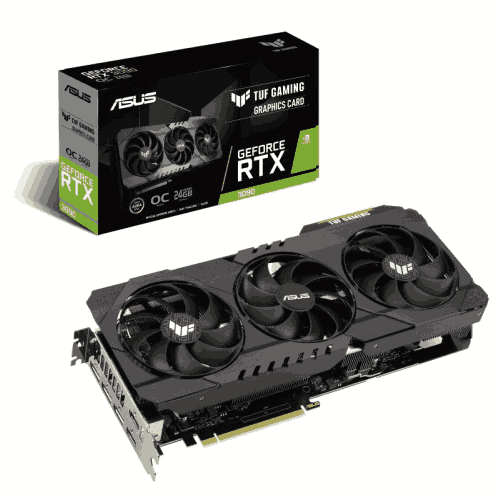
ASUS TUF Gaming GeForce RTX 3090 OC Edition 24GB GDDR6X Graphics Card
-
NVIDIA GeForce RTX 3090
-
24GB GDDR6X
-
10,496
-
1770 MHz (OC Mode)
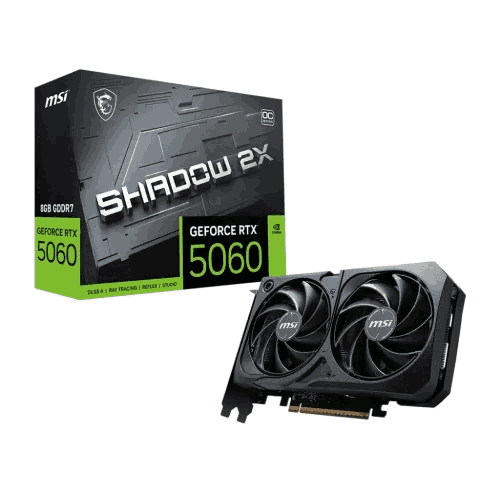
MSI GeForce RTX 5060 8G SHADOW 2X OC 8GB GDDR7 Graphics Card
-
3 x DisplayPort 2.1b, 1 x HDMI
-
8GB GDDR7, PCI Express 5
-
3840 Units, Memory Speed: 28 Gbps
-
Extreme: 2535 MHz, Boost: 2527 MHz
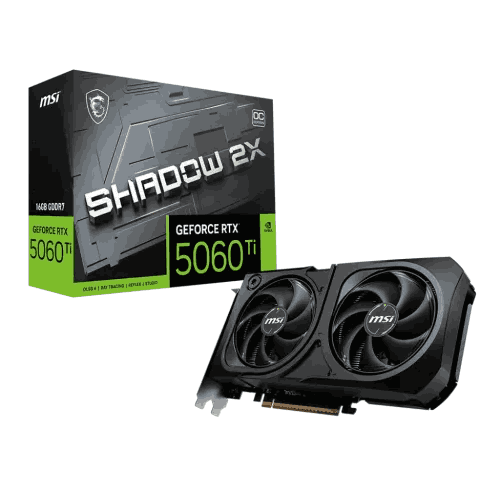
MSI GeForce RTX 5060 Ti 16G SHADOW 2X OC PLUS 16GB GDDR7 Graphics Card
-
16GB GDDR7
-
SHADOW 2X OC PLUS dual‑fan design
-
Desktop discrete graphics card
-
PCI Express x16
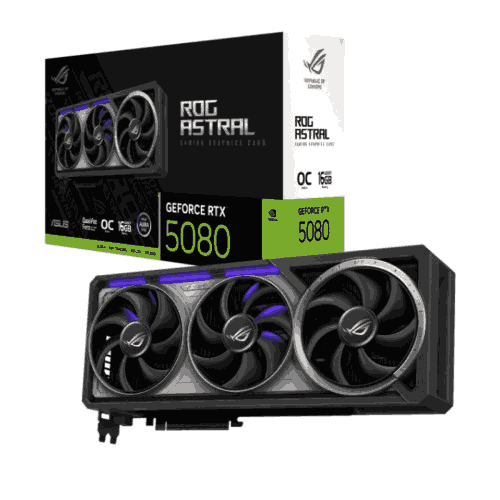
ASUS ROG Astral GeForce RTX 5080 16GB GDDR7 OC Edition Graphics Card
-
10752. Memory Speed: 30 Gbps
-
256-bit, Bus Standard: PCI Express 5.0
-
Quad-Fan Force, Indirect Aura Lighting, Patented Vapor Chamber
-
2x Native HDMI 2.1b, 3x Native DisplayPort 2.1a
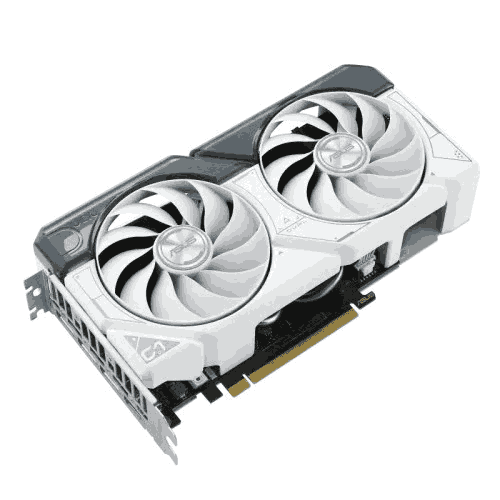
ASUS Dual GeForce RTX 4060 White OC Edition 8GB GDDR6 Graphics Card
-
8GB GDDR6, 17 Gbps
-
2535 MHz (OC) / 2505 MHz (Boost Default)
-
3072
-
128-bit
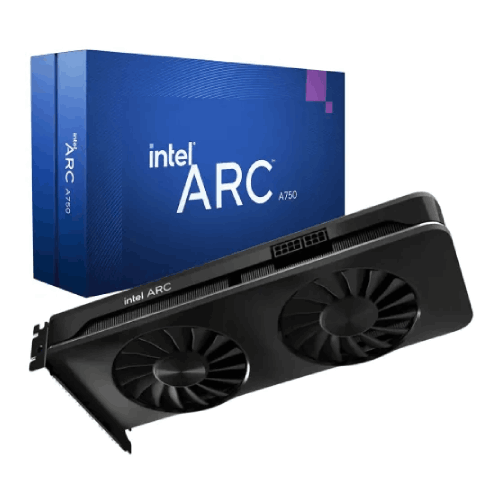
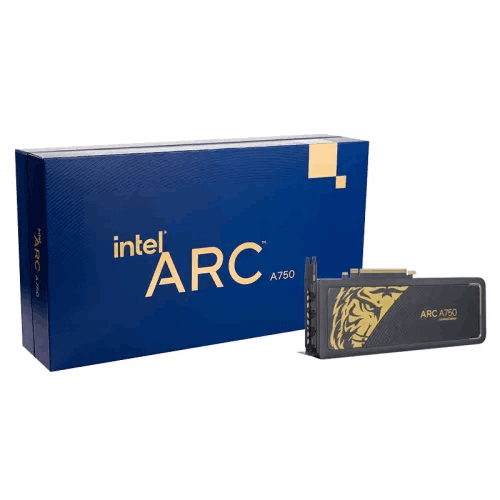
Intel Arc A750 Limited Tiger Gold Edition 8GB GDDR6 Graphics Card
-
Xe HPG Microarchitecture
-
28 Xe Cores, 448 XMX Engines
-
8GB GDDR6
-
256‑bit
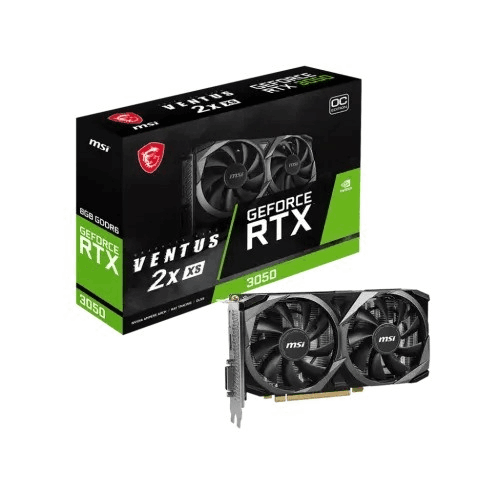
MSI GeForce RTX 3050 VENTUS 2X XS 8GB OC GDDR6 Graphics Card
-
NVIDIA GeForce RTX 30‑series (Ampere)
-
8GB GDDR6
-
Dual‑fan VENTUS 2X XS design
-
PCI Express x16 (PCIe 3.0/4.0 compatible)
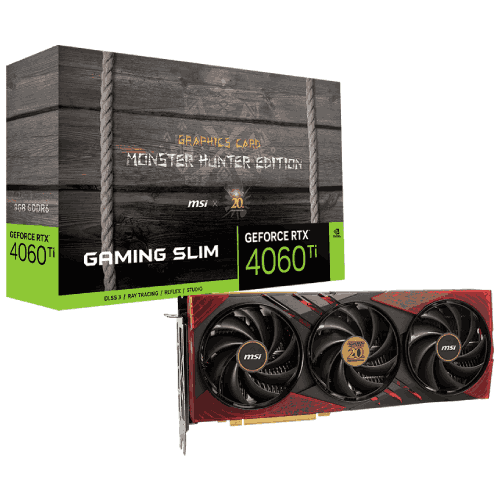
MSI GeForce RTX 4060 Ti 8G Gaming Slim Monster Hunter EditionGDDR6 Graphics Card
-
NVIDIA GeForce RTX 40‑series (Ada Lovelace)
-
8GB GDDR6
-
DisplayPort v1.4a x3, HDMI x1
-
GAMING SLIM (slimline MSI custom cooler)
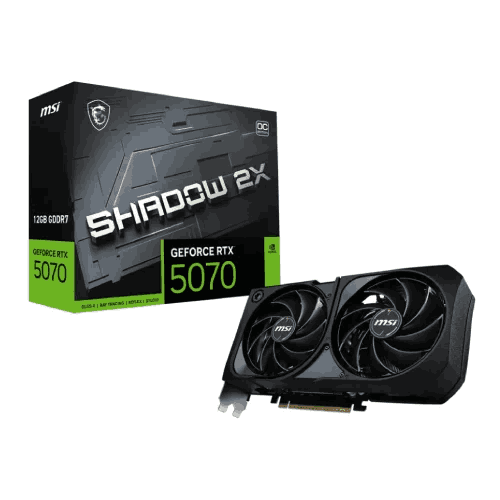
MSI GeForce RTX 5070 12G SHADOW 2X OC 12GB GDDR7 Graphics Card
-
28 Gbps
-
6144
-
DP 2.1b x3, HDMI 2.1b x1
-
2557 MHz ; Boost: 2542 MHz
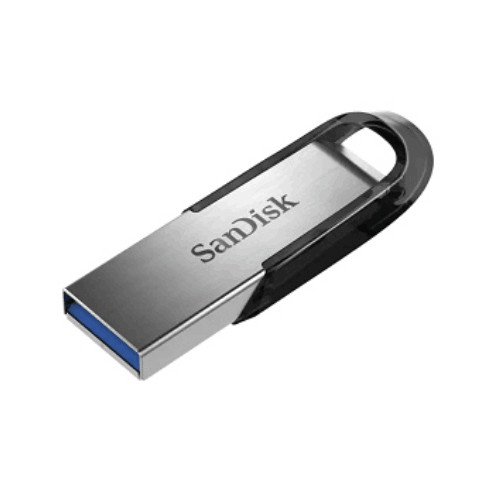
SanDisk 64GB Ultra Flair USB 3.0 Pen Drive
-
64GB
-
USB 3.0 (Backward compatible with USB 2.0)
-
Up to 150MB/s
-
Durable Metal Casing

SanDisk 128GB Ultra Flair USB 3.1 Pen Drive
-
128GB
-
USB 3.1
-
Up to 150MB/s
-
Durable Metal Casing
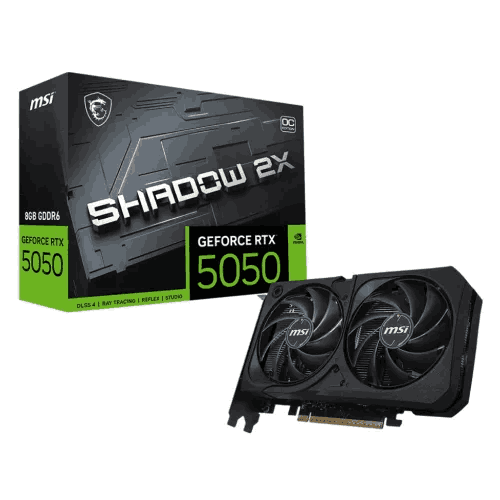
MSI GeForce RTX 5050 8G SHADOW 2X OC 8GB GDDR6 Graphics Card
-
8GB GDDR6, PCI Express Gen 5 x16
-
2617 MHz, Boost Clock: 2602 MHz
-
20 Gbps, CUDA Cores: 2560 Units
-
3 x DisplayPort 2.1b, 1 x HDMI
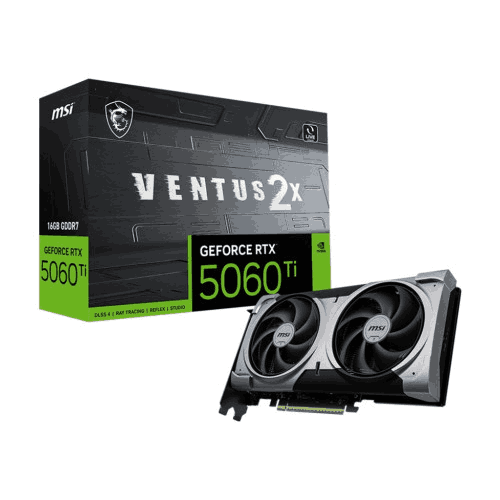
MSI GeForce RTX 5060 Ti 8G VENTUS 2X PLUS GDDR7 Graphics Card
-
4608 units
-
8GB GDDR7
-
28 Gbps
-
Extreme 2617 MHz, Boost 2602 MHz
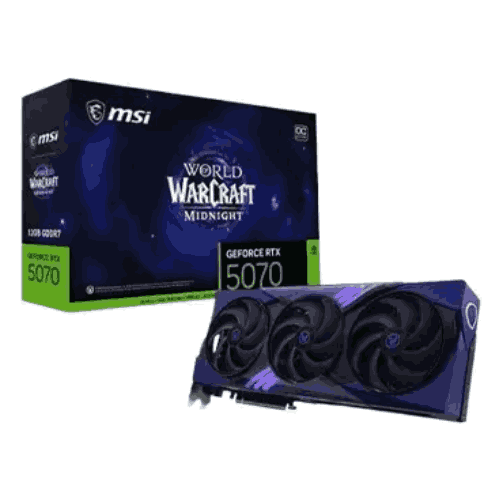
MSI GeForce RTX 5070 12G World of Warcraft MIDNIGHT VOID EDITION OC Graphics Card
-
NVIDIA GeForce RTX 5070‑series
-
12GB onboard GPU memory
-
World of Warcraft MIDNIGHT VOID special edition
-
Factory‑overclocked (OC) for enhanced performance
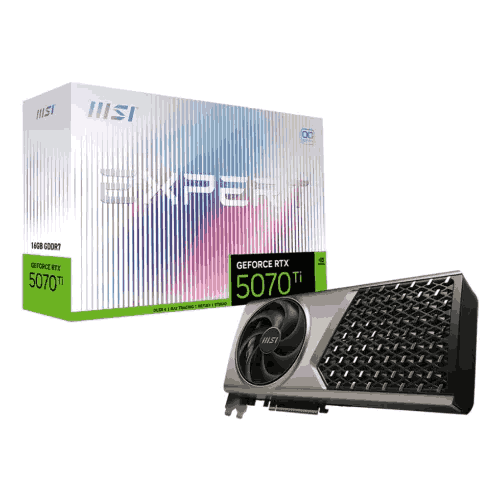
MSI GeForce RTX 5070 Ti 16G EXPERT OC 16GB GDDR7 Graphics Card
-
8960 Units
-
16GB GDDR7, 28 Gbps
-
PCI Express Gen 5 x16
-
2588 MHz; Boost Clock: 2580 MHz
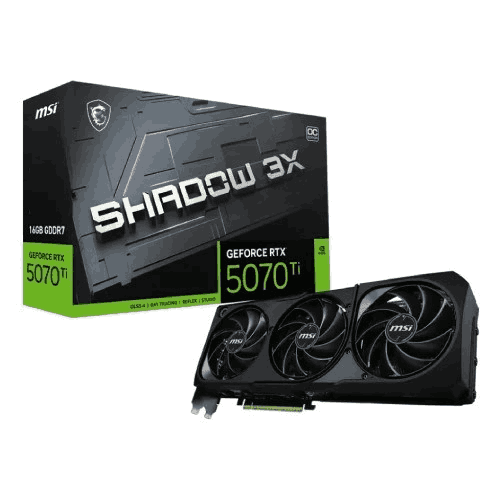
MSI GeForce RTX 5070 Ti 16G SHADOW 3X OC 16GB GDDR7 Graphics Card
-
16GB GDDR7
-
SHADOW 3X triple‑fan design
-
Factory‑overclocked (OC) model
-
PCI Express x16 graphics card
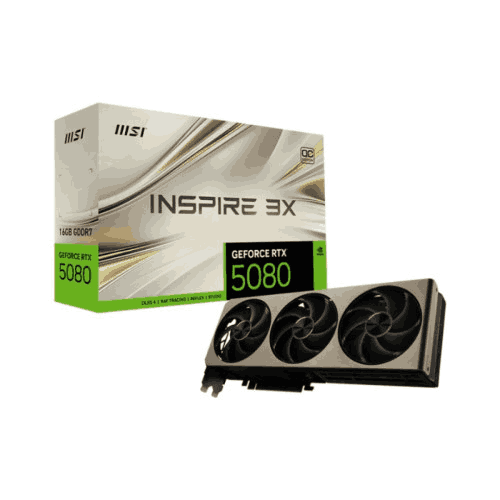
MSI GeForce RTX 5080 16G INSPIRE 3X OC 16GB GDDR7 Graphics Card
-
16GB GDDR7
-
INSPIRE 3X triple‑fan design
-
Factory‑overclocked (OC) model
-
PCI Express x16 graphics card

Sandisk Ultra Luxe USB 3.2 Metal Silver 128GB Pen Drive
-
128GB
-
USB 3.2 Gen 1
-
Up to 150MB/s
-
Solid Cast-Metal Silver Housing
Sandisk Ultra Luxe 256GB USB 3.1 Metal Silver Pen Drive
-
256GB
-
USB 3.2 Gen 1
-
Up to 150MB/s
-
Solid Cast-Metal Silver Housing
Showing Products 1317 - 1344 of 1479 Results
Computer Hardware Devices in BD - Budget-Friendly & High-End Options
In today's fast-paced digital world, having a reliable and high-performance computer is no longer a luxury but a necessity. Whether you're an avid gamer, a creative professional, or someone who simply needs a robust system for everyday tasks, the right computer components are essential to ensure your machine runs smoothly and efficiently. In Bangladesh, the demand for top-quality computer components has seen a significant rise, fueled by the country's growing tech-savvy population and an increasing number of businesses going digital.
However, with the plethora of options available in the market, selecting the best components that suit your needs and budget can be a daunting task. Prices fluctuate, new models are frequently released, and finding genuine products is not always straightforward. This is where bme.com.bd comes in, offering a comprehensive range of authentic computer components from leading global brands at competitive prices. This guide will navigate you through the essential aspects of purchasing computer components in BD, helping you make informed decisions and ensuring that you get the best value for your money.
Top Computer Components Brands in BD
When it comes to building or upgrading your PC, choosing components from trusted brands is key to ensuring performance and durability. In Bangladesh, some of the top brands include ASUS, renowned for its high-quality motherboards and cutting-edge graphics cards; Gigabyte, known for its reliable and budget-friendly options; and MSI, a favorite among gamers for its robust gaming components. Intel and AMD continue to dominate the processor market with their powerful and efficient CPUs, while Corsair and Kingston are leading names in memory and storage solutions. These brands are synonymous with quality and are widely available in BD, offering a range of options to meet various needs and budgets.
Types of Computer Components Available in BD
Processors (CPUs): The backbone of your computer, processors from Intel and AMD deliver the speed and power you need. Whether you're multitasking, gaming, or running demanding applications, these brands offer a range of CPUs, from entry-level to high-end options. Intel's latest 13th Gen and AMD's Ryzen 7000 series are designed to provide unparalleled performance, with enhanced power efficiency, advanced multitasking capabilities, and support for the latest technologies like DDR5 memory and PCIe 5.0.
Motherboards: The motherboard is crucial for compatibility and system stability. Brands like MSI, ASUS and Gigabyte offer a range of options, from budget-friendly to high-end models.
Graphics Cards (GPUs): For gamers and creatives, GPUs from NVIDIA and AMD provide the visual power needed for intensive tasks, with options available across different price points.
Memory (RAM): Essential for smooth performance, RAM from Corsair and Kingston ranges from basic to high-speed modules, ensuring your system can handle multiple applications effortlessly.
Storage Devices: Choose between fast SSDs for quick data access or traditional HDDs for larger storage capacities. Leading brands like Samsung and Western Digital offer reliable solutions.
Power Supply Units (PSUs): A quality PSU ensures your components receive stable power. Options from Corsair and Cooler Master provide efficiency and reliability.
Computer Cases: Available in various styles and sizes, cases from NZXT and Thermaltake not only house your components but also offer aesthetic appeal and proper ventilation.
Cooling Solutions: Keep your system cool with air or liquid cooling options. Brands like Cooler Master and Noctua provide effective solutions to maintain optimal temperatures.
Buying Guide for Computer Components in BD
Factors to Consider Before Purchase
Compatibility: Ensure that the components you select are compatible with each other. For example, your motherboard should support your chosen CPU, RAM type, and GPU. Checking compatibility before purchasing can save you from costly mistakes.
Performance Needs: Define your primary use for the PC. Gamers should prioritize a powerful GPU and high-speed RAM, while content creators may need a multi-core CPU and ample storage. Understanding your needs will help you allocate your budget effectively.
Budget: Set a realistic budget for your build or upgrade. Prioritize components that impact performance the most, like the CPU and GPU, while balancing the cost with other essential parts.
Where to Buy Computer Components in BD
Online Stores: Purchasing online from trusted sites like bme.com.bd offers convenience, a wide selection, and the ability to compare prices easily. Look for reviews and ratings to ensure the reliability of the seller.
Physical Stores: Visiting a physical store allows you to see the components before buying and often provides the chance to get advice from experts. However, prices might be slightly higher than online options.
Tips for Getting the Best Deals
Seasonal Discounts and Promotions: Keep an eye out for sales events, such as Black Friday or end-of-year promotions, where you can find significant discounts on computer components.
Bundling Offers: Some stores offer bundle deals where you can purchase multiple components together at a reduced price. This can be a cost-effective way to complete your build.
Price Comparisons: Always compare prices across different platforms and stores. Use online tools to track price changes and ensure you’re getting the best deal available.
Why Should You Buy from bme.com.bd?
Wide Range of Products: We offer an extensive selection of genuine components from top global brands, ensuring you find exactly what you need.
Competitive Pricing: Enjoy unbeatable prices and frequent promotions, making it easy to get the best value for your money.
Genuine Products with Warranty: Every product comes with a manufacturer’s warranty, giving you peace of mind with your purchase.
Exceptional Customer Support: Our dedicated support team is here to assist you every step of the way, from pre-purchase inquiries to after-sales support.
Fast and Reliable Delivery: Get your components delivered swiftly and securely across Bangladesh, with options for expedited shipping.
FAQs About the PC Components User
What are the essential components needed to build a PC?
To build a PC, you'll need a processor (CPU), motherboard, memory (RAM), storage (SSD/HDD), power supply unit (PSU), graphics card (GPU), computer case, and cooling solution. Depending on your needs, you might also consider additional components like a sound card or extra fans.
How do I choose the right processor for my needs?
Choosing the right processor depends on your primary use for the PC. For gaming, a multi-core CPU with high clock speeds like Intel’s Core i5 or AMD’s Ryzen 5 series is ideal. For content creation or professional work, a higher-end CPU with more cores, like Intel’s Core i7/i9 or AMD’s Ryzen 7/9, would be more suitable.
What should I consider when buying a motherboard?
When buying a motherboard, consider the CPU socket type, the chipset, compatibility with your chosen RAM, number of PCIe slots for GPUs and other expansions, and the number of SATA ports for storage devices. Also, consider features like onboard Wi-Fi, Bluetooth, and overclocking capabilities.
How much RAM do I need for gaming or professional work?
For gaming, 16GB of RAM is generally sufficient, while professional work like video editing, 3D rendering, or heavy multitasking might require 32GB or more. Make sure the RAM is compatible with your motherboard and CPU.
What’s the difference between SSD and HDD, and which should I choose?
SSDs (Solid State Drives) are faster and more reliable than HDDs (Hard Disk Drives), making them ideal for your operating system and frequently used applications. HDDs are cheaper and offer more storage space, making them suitable for storing large files. Many users opt for a combination of both—an SSD for speed and an HDD for capacity.
How do I know if my power supply unit (PSU) is sufficient for my build?
Ensure your PSU has enough wattage to support all your components, especially the GPU and CPU. Use an online PSU calculator to estimate your power needs, and always choose a PSU with a little extra wattage to accommodate future upgrades.
Can I upgrade my PC components later?
Yes, you can upgrade most PC components like the CPU, GPU, RAM, and storage. Ensure your motherboard supports future upgrades, and your PSU has enough power to handle any additional load.
Why should I buy computer components from bme.com.bd?
At bme.com.bd, you get genuine products from top brands at competitive prices. We offer a wide selection, warranty on all products, excellent customer support, and fast delivery across Bangladesh.
Do you offer warranties on computer components?
Yes, all components purchased from bme.com.bd come with a manufacturer's warranty. The warranty period and coverage vary depending on the brand and product, so be sure to check the specific warranty details for each item.
How can I contact customer support for assistance with my order?
You can contact our customer support team via phone, email, or live chat on our website. We’re here to help with any questions or issues you may have before, during, or after your purchase.
Conclusion
Choosing the right computer components is essential for building a powerful and reliable system, whether you're a gamer, content creator, or professional. Bangladesh's tech market offers a wide range of options to suit every need and budget, but making the right choices can be challenging. bme.com.bd simplifies this process by offering a vast selection of genuine products, competitive prices, and exceptional customer support.
By following our buying guide and considering our expert recommendations, you can confidently build or upgrade your PC with components that deliver top performance and value. Explore the latest deals and start building your dream setup today with bme.com.bd—your trusted partner for all your tech needs in Bangladesh.

